


Digital Shop Floor Monitoring for Your Production
Real-Time Machine States and KPIs: Local, Mobile, and on Large-Screen Dashboards
The EMC Monitoring module presents your live shop floor data in a clear, structured view, bringing full transparency directly to the shop floor. Whether on large hall screens in production, desktop PCs in production planning, or mobile tablets: deviations, machine downtime, and cycle time losses are visually highlighted instantly. This enables shift supervisors and production planners to identify bottlenecks without delay and take immediate corrective action.
Whether monitoring linked lines and spoolers in wire processing or tracking stroke counts and tool service life on stamping and bending machines in metal forming: EMC Monitoring delivers precisely the KPIs each employee needs to make fast, informed decisions.
Digital shopfloor monitoring with current status and timeline in one view
The timeline in the EMC Monitoring module of the MES Software EMC displays the complete production history from the past until now. These are for example the order progress, the performance or the current status. Simply configure yourself which values and order information are displayed in the monitoring of production and manufacturing. This allows you to see the current status of the machines at a glance, for example. You can assign each machine status its own color via individually configurable, colored dots. This allows you to quickly identify reasons for interruptions.
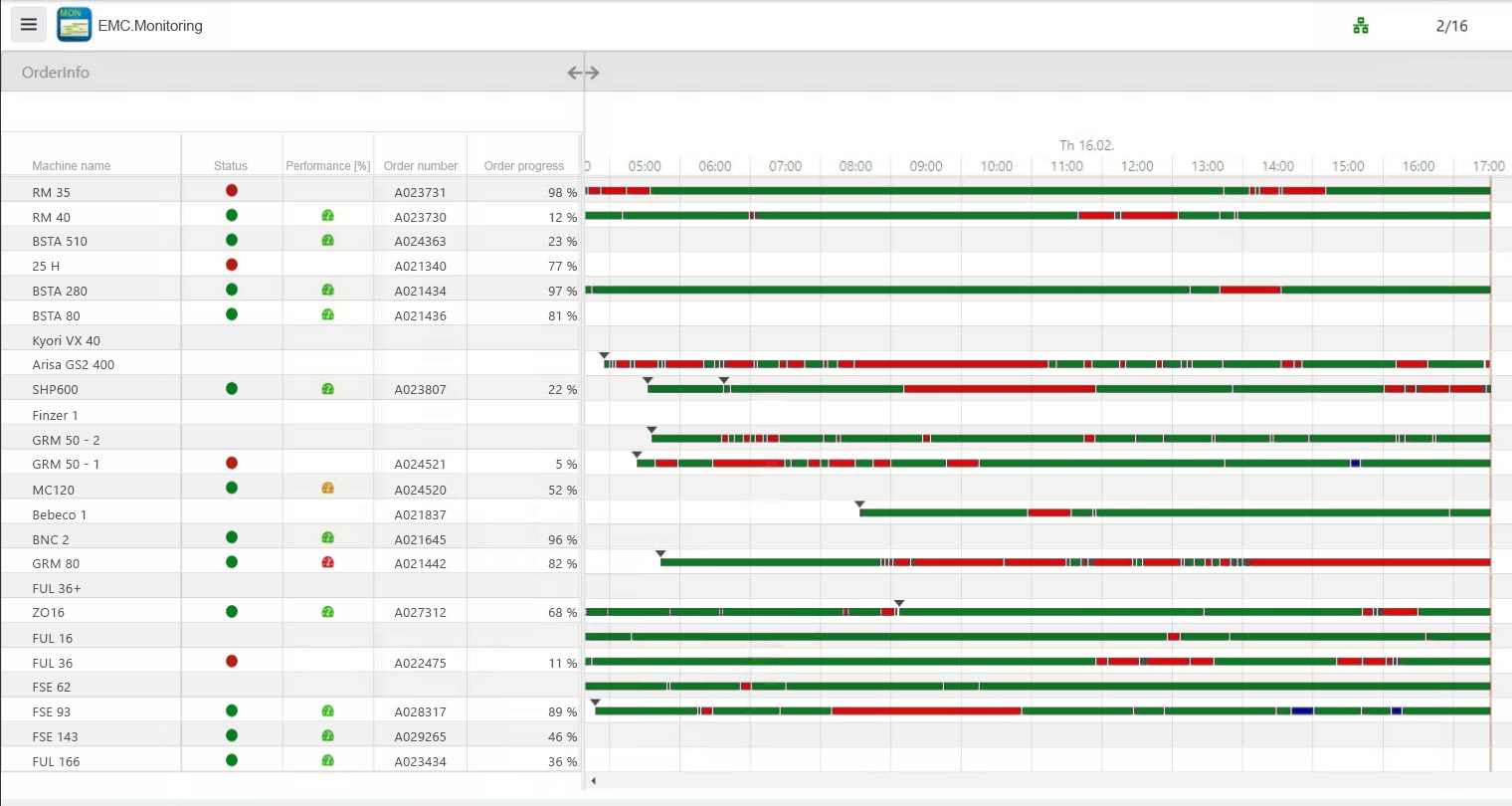
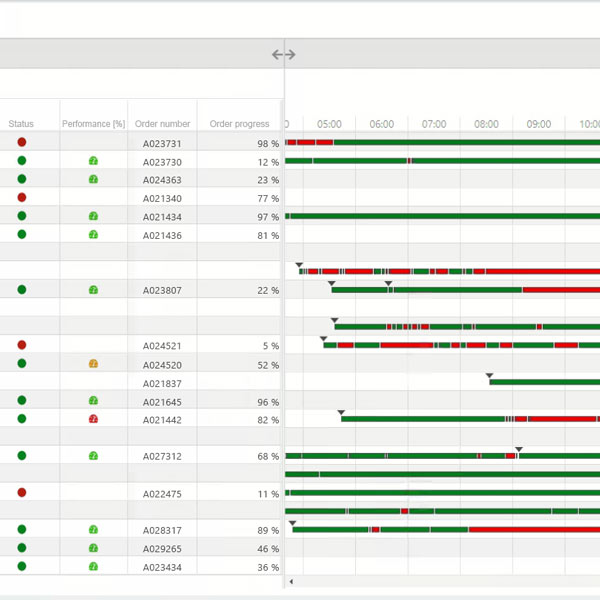
Digital shopfloor monitoring: The entire spectrum of production and manufacturing at a glance – without being on site yourself.
iT Engineering Manufacturing Solutions GmbH
Map production and manufacturing in line with target groups
Define group rights for access simply via global rights assignment in IT monitoring. Each employee within the group can thus configure his or her settings. This means that the employee receives exactly the information that is relevant to him or her. Details and status information can be easily displayed and hidden by double-clicking or mouseover.
The machines can also be grouped by division.
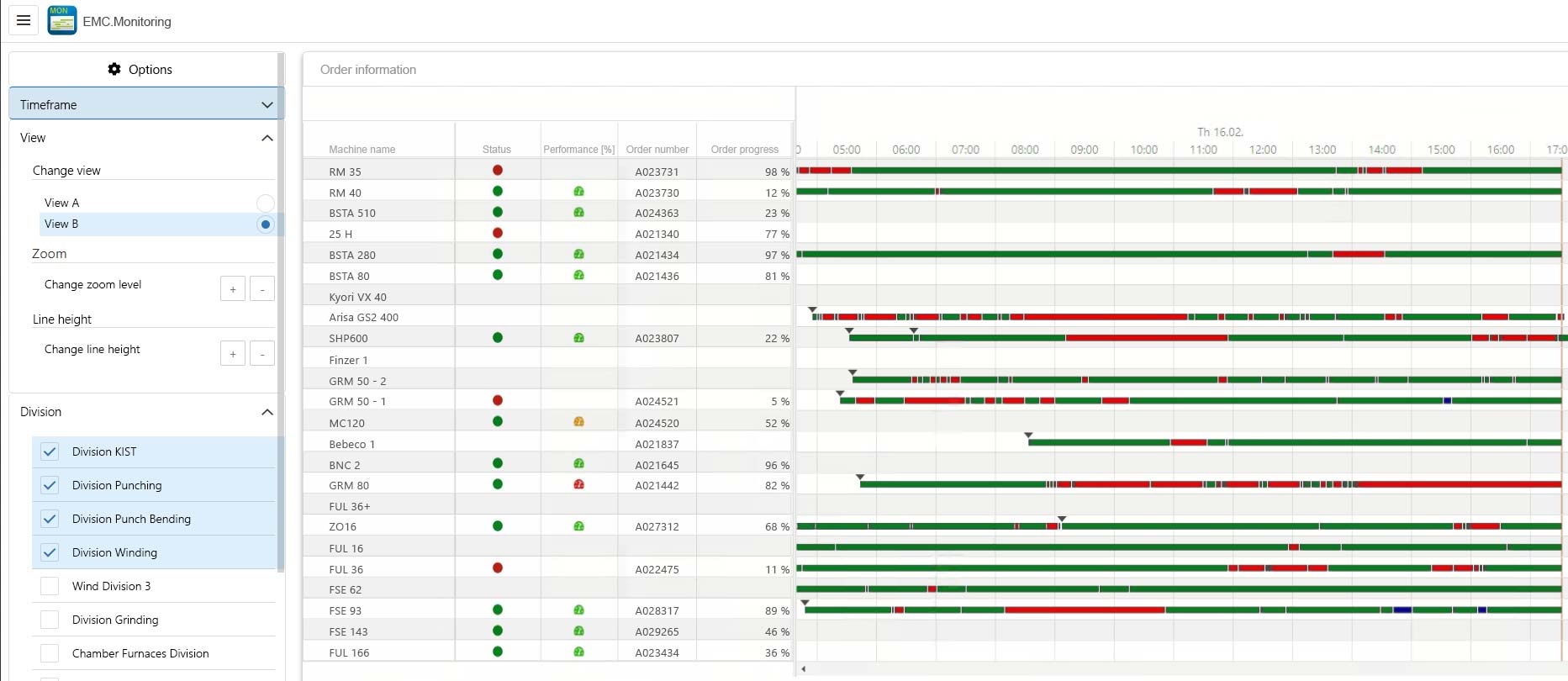
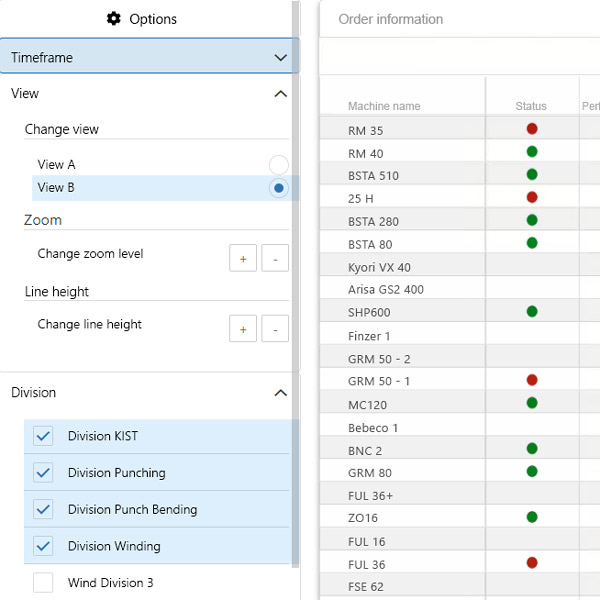
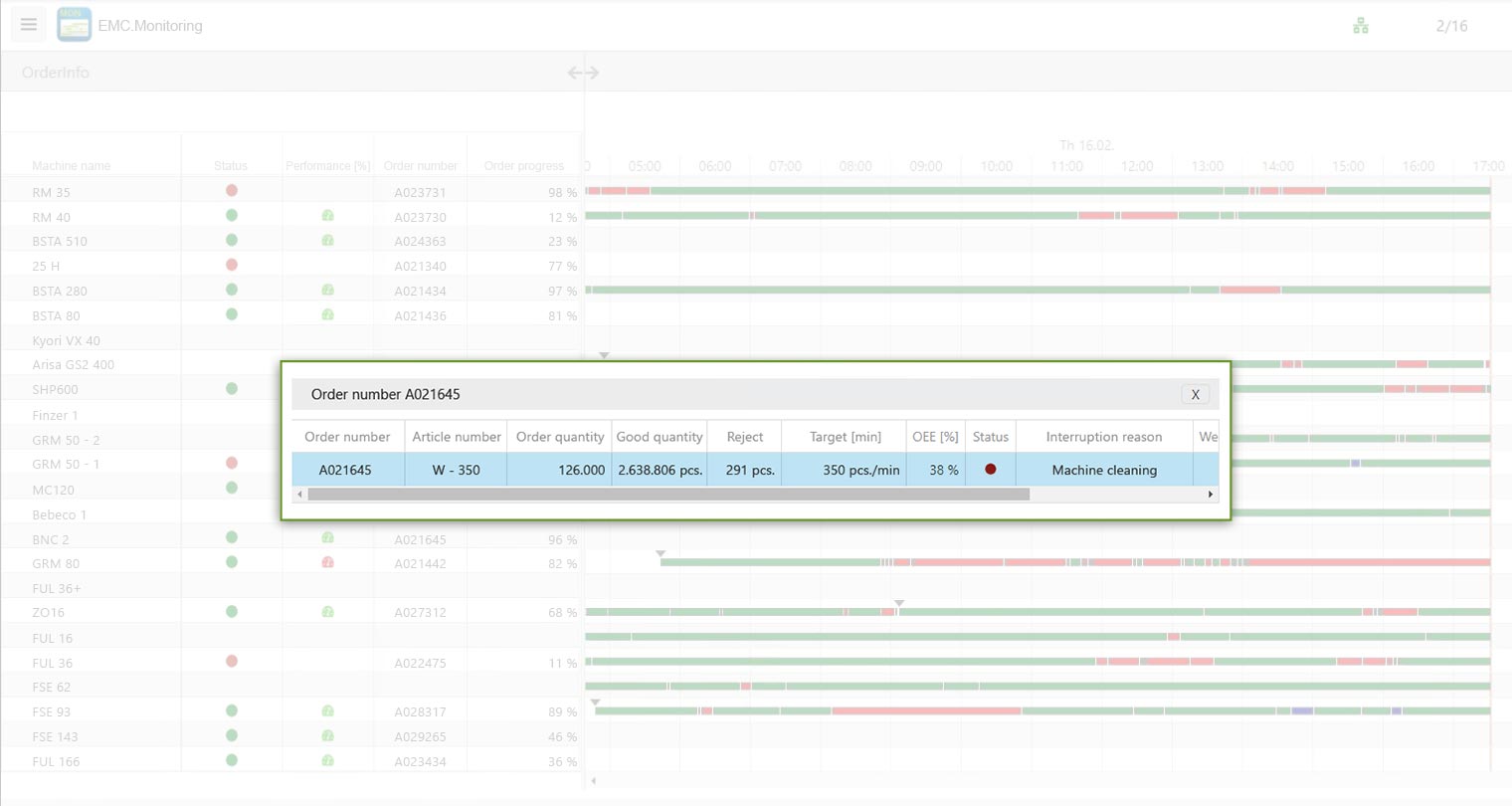
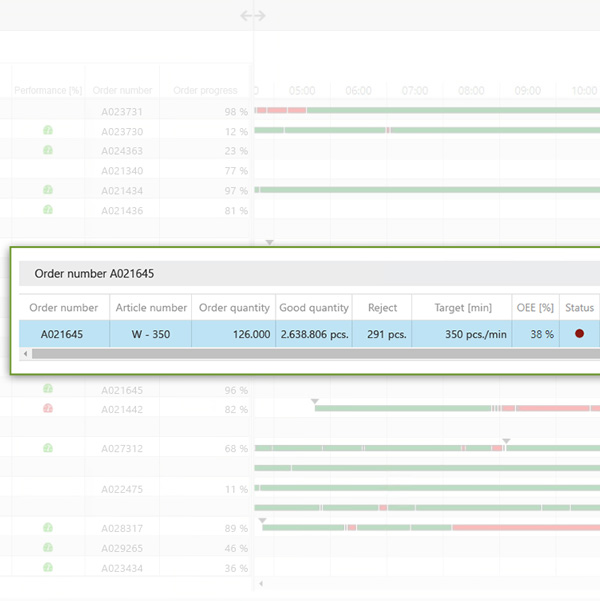
Additional order information
Get detailed order information of the currently logged orders such as produced quantities, order progress and much more with just one click.
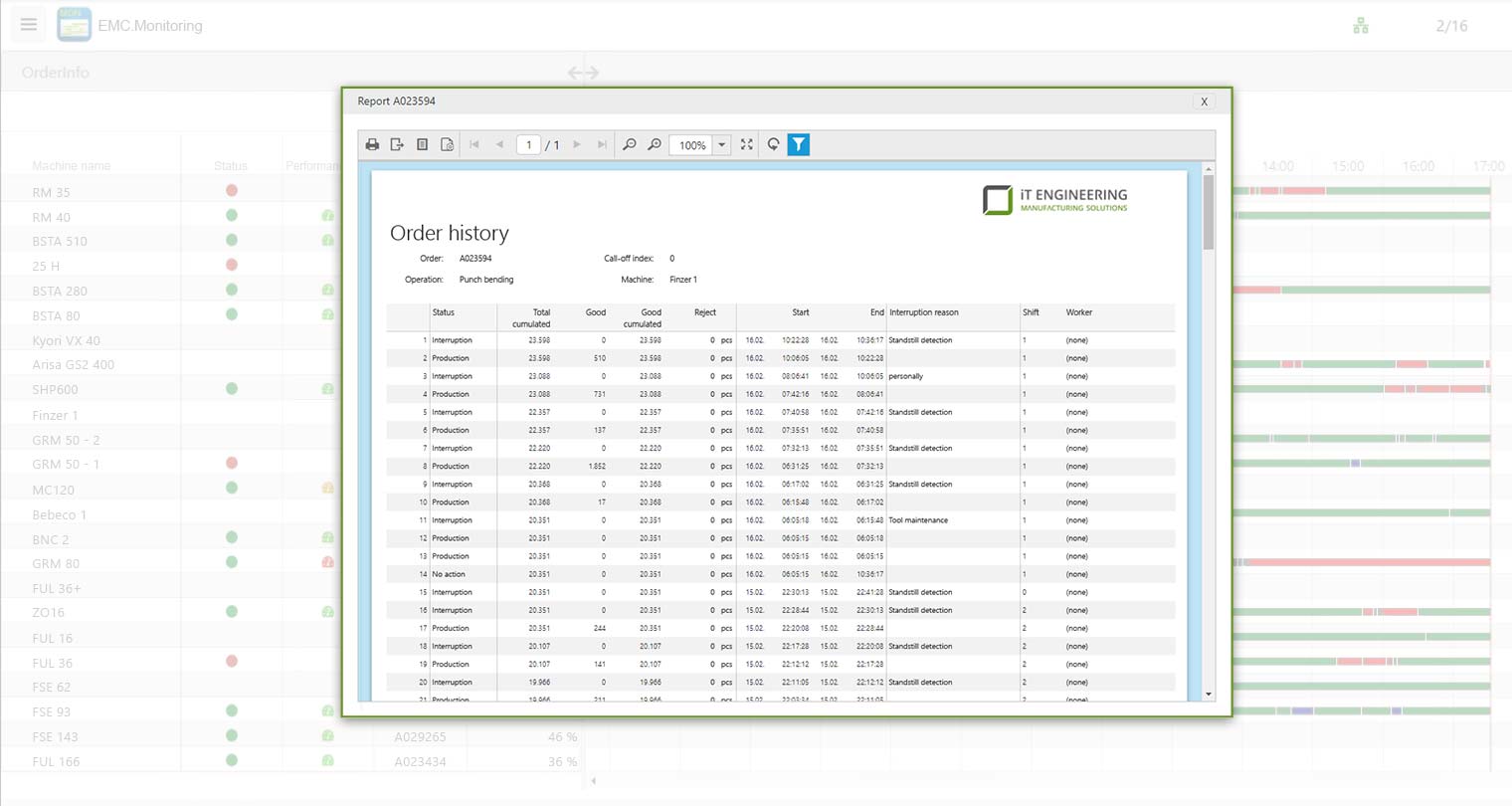
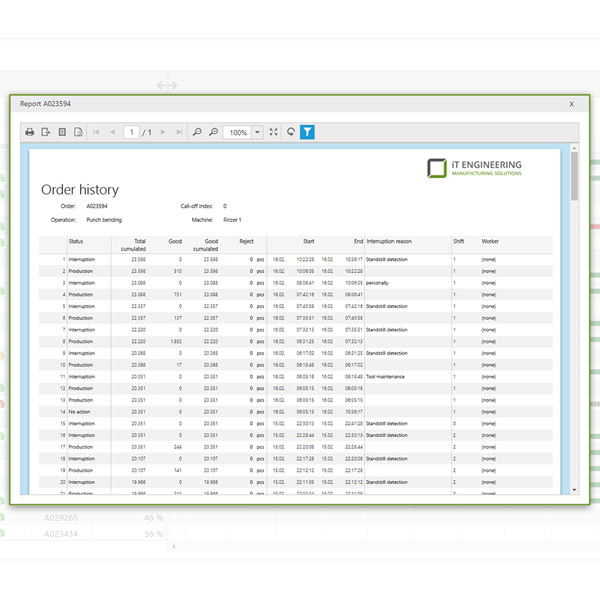
What was going on during the night shift?
With one click on the timeline of the plant, you immediately know what the night shift was like, what quantities were produced or what the causes of the interruptions were.

All modules:
EMC Machine Data Acquisition
EMC Operational Data Acquisition
EMC Monitoring

EMC Reporting

EMC Dashboard

EMC Team Planner

EMC Detailed Planning
EMC Order Management

EMC Maintenance

EMC Spare Parts Management
EMC Process Data Acquisition

EMC Control

EMC Digital File
EMC Factory Logistics

EMC Energy Management
EMC Report Server
EMC IoT

EMC Chat

EMC Message

EMC Converter
EMC Machine Data Acquisition
EMC Operational Data Acquisition
EMC Monitoring
EMC Reporting
EMC Dashboard
EMC Team Planner
EMC Detailed Planning
EMC Order Management
EMC Maintenance
EMC Spare Parts Management
EMC Process Data Acquisition
EMC Control
EMC Digital File
EMC Factory Logistics
EMC Energy Management
EMC Report Server
EMC IoT
EMC Chat
EMC Message